Compose your sources
Bring screen, camera, image and audio sources into one scene and arrange their position and size.
 FNT Steady Stream
04 / Create · Capture · Keep
A creative control room for screen, camera and sound. Compose a scene, keep your levels in view and make the next take count.
Public software access through Connect is coming soon.
THE CURRENT FEATURE SET
Real capabilities in the current preview. Every tool has a clear role in your workflow.
Bring screen, camera, image and audio sources into one scene and arrange their position and size.
Use presentation, camera, title/intermission or blank scene starters, then make them your own.
Control individual audio source levels and mutes, and check peaks before committing to a take.
Use canvas guides, snapping, source locking, title cards and locally bundled typefaces.
Choose picture settings, frame rate and start delay. Inspect recording health and find your takes afterward.
Save projects and scenes, use the setup checklist and find actions from the command search.
A CLOSER LOOK
Fresh captures from the current published app. Tap a screenshot to see the detail.
FROM IDEA TO OUTCOME
Choose a starter scene and connect only the sources you need.
Frame the composition, check audio levels and set the recording format.
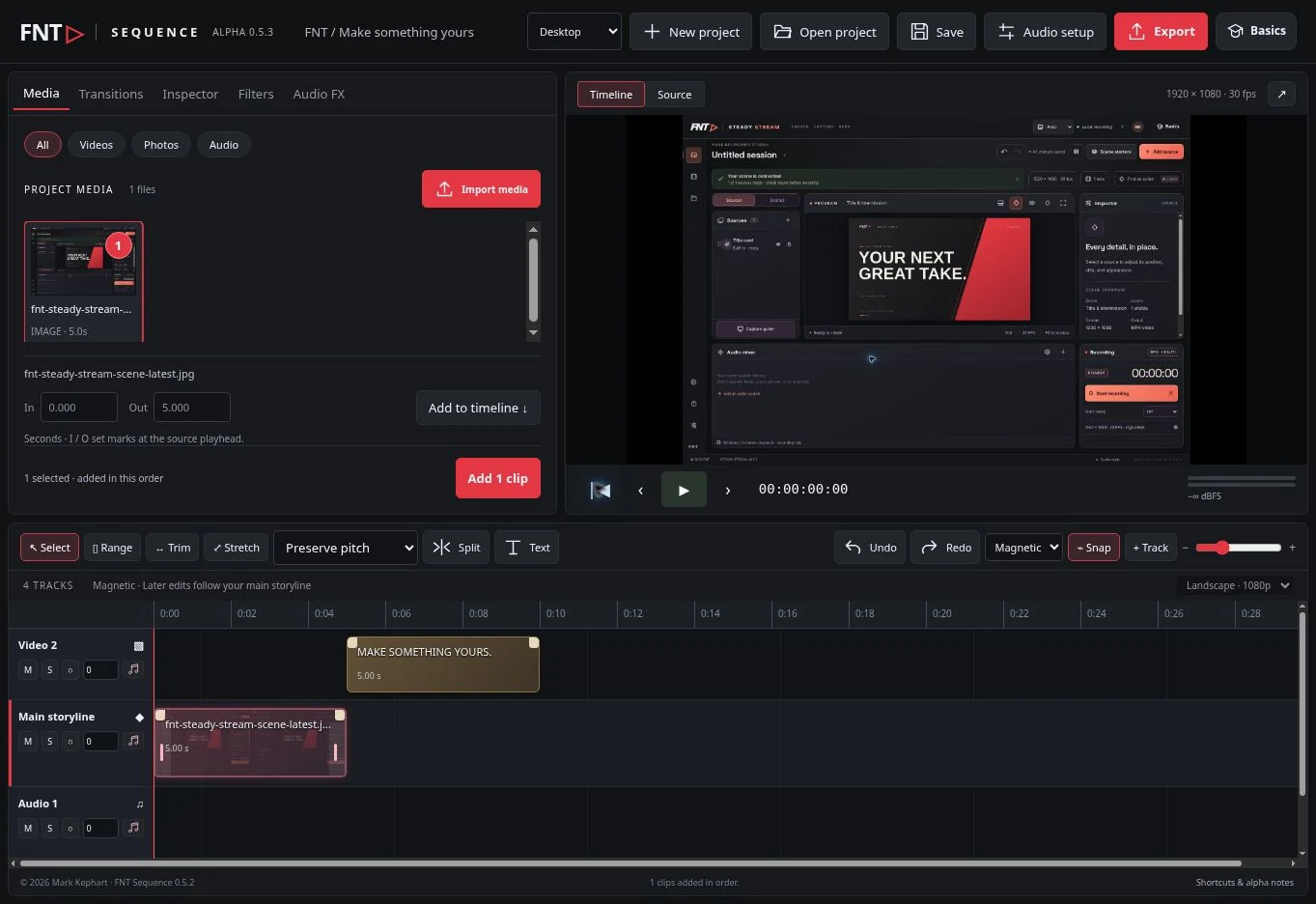
Record locally, review the take and continue editing in Sequence.
FNT Steady Stream is in development. Public software access through FNT Connect is coming soon. Browser demos will follow in a later release. The screenshots below and their captions document the dated preview.
THE ROAD AHEAD
A view of the development preview and the priorities ahead. Planned work has no promised delivery date.
Scenes, source transforms, title cards, audio mixing, local recording, projects and recording health controls.
Long-take A/V sync qualification, capture reliability across devices and clearer recovery guidance.
Richer scene workflows, more capture presets and closer handoff to Sequence. Live streaming is exploratory.
YOUR NEXT IDEA STARTS HERE